Life has kept me away from these projects for a while — but after restructuring my professional life to focus on consulting work, I’ve found a much better work-life balance, and it’s given me the room to pick these labor-of-love projects back up. So let’s finally close the loop on Part 2’s cliffhanger.
If you read Part 2, you’ll remember I ended on a bit of a warning: the Tesla P100 and P40 are both passively cooled cards, designed to sit in a data center chassis with a wall of high-static-pressure server fans blasting air through them. Drop one into a normal tower or even a 4U rack without that airflow, and you’ll cook it in minutes under load. That sent me down a genuine rabbit hole of 3D-printed shroud design — and it took more iterations than I’d like to admit to actually get right.
Iteration hell
My first two shroud attempts were, in hindsight, pretty naive. Attempt one used standard PLA and a simple single-fan duct — it warped within a week from residual heat soak even with fans running, since PLA starts going soft well below the temperatures these cards can radiate into an enclosed shroud. Attempt two fixed the material problem (switched to ASA, which handles the heat fine) but had a duct geometry that starved the VRM and backplate area of airflow while over-cooling the main die — great GPU core temps, but I was seeing VRM throttling under sustained load that took a while to actually diagnose.
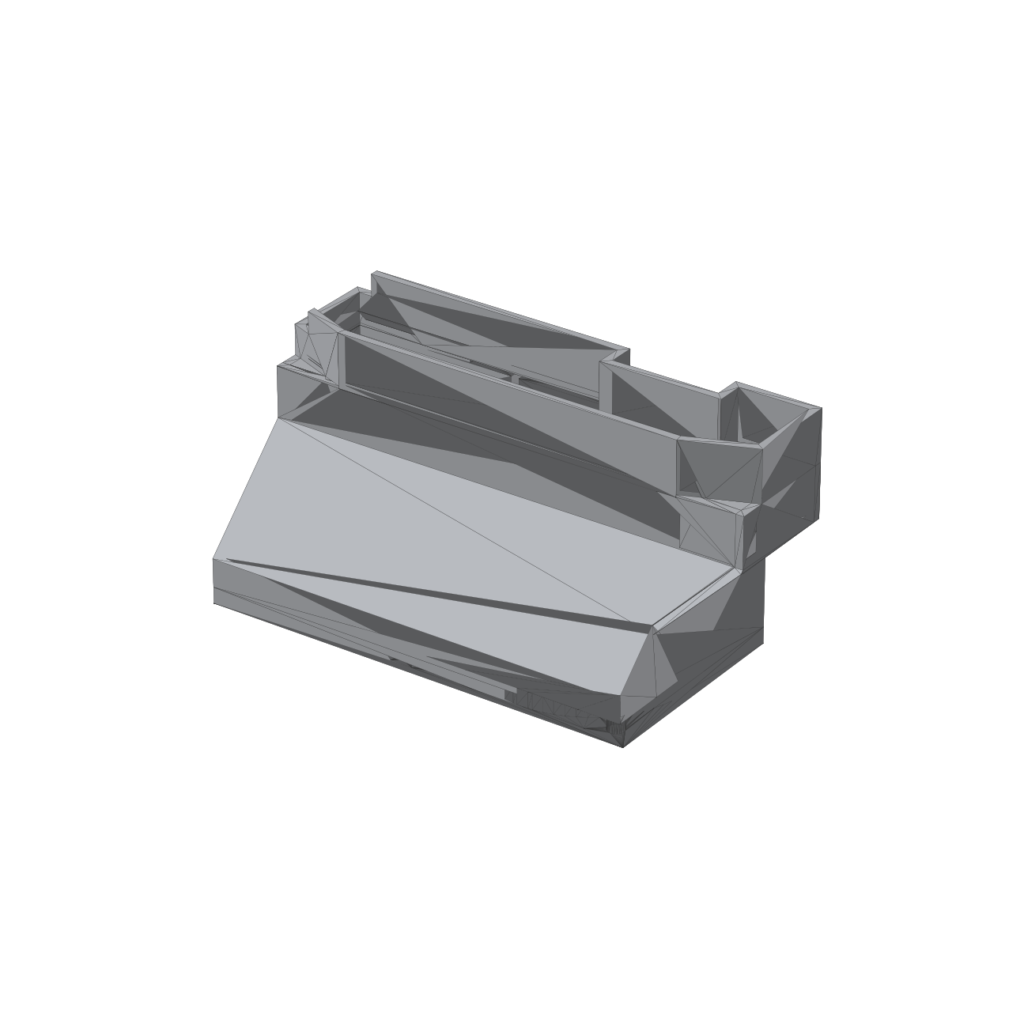
The final fix is the dual 40mm fan adapter pictured below — a two-chamber duct printed in ASA, with a dedicated smaller channel feeding the VRM/backplate zone independently from the main airflow path over the heatsink fins:
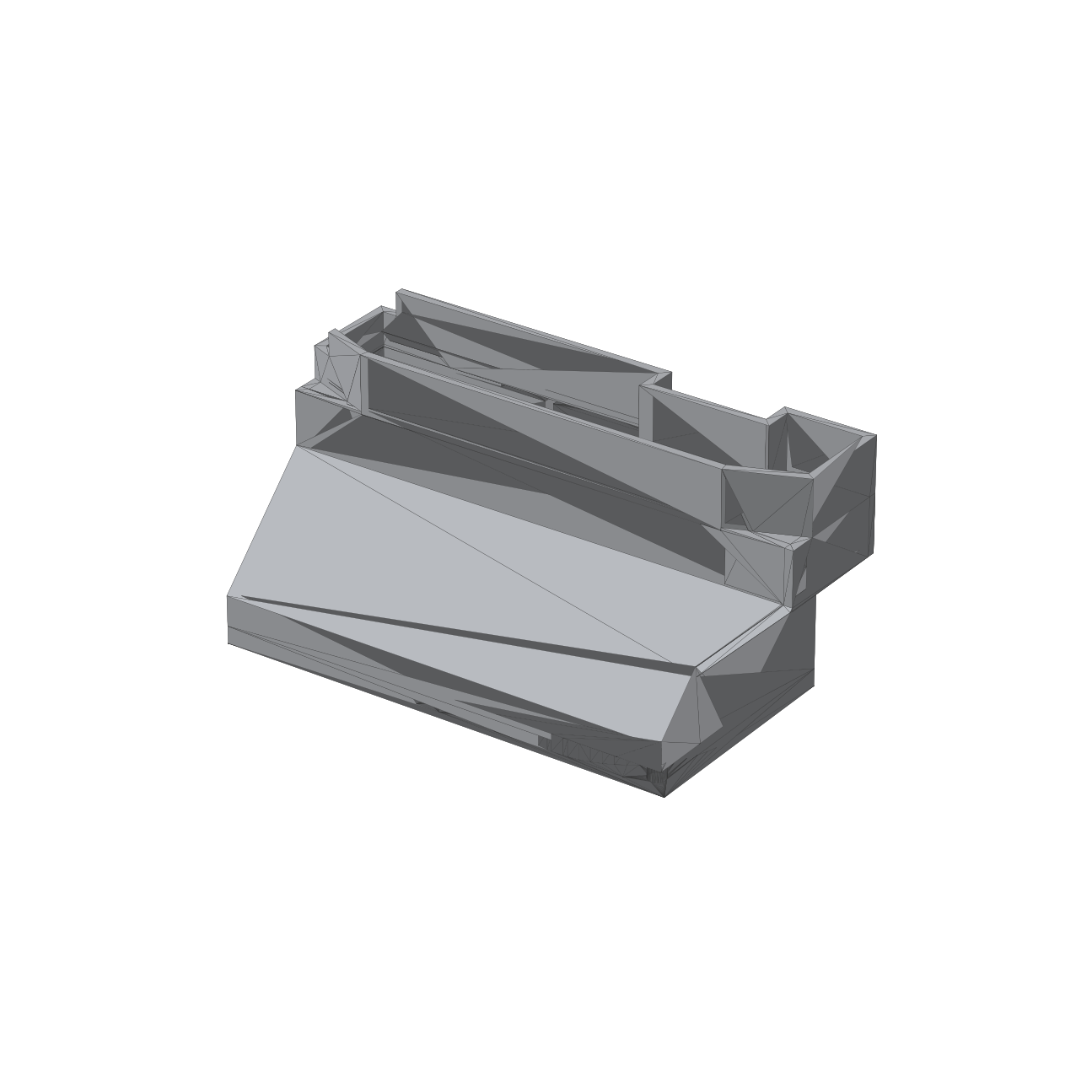
The final shroud design, rendered from the actual STL — 90mm x 48mm x 45mm, dual 40mm fan mounts.
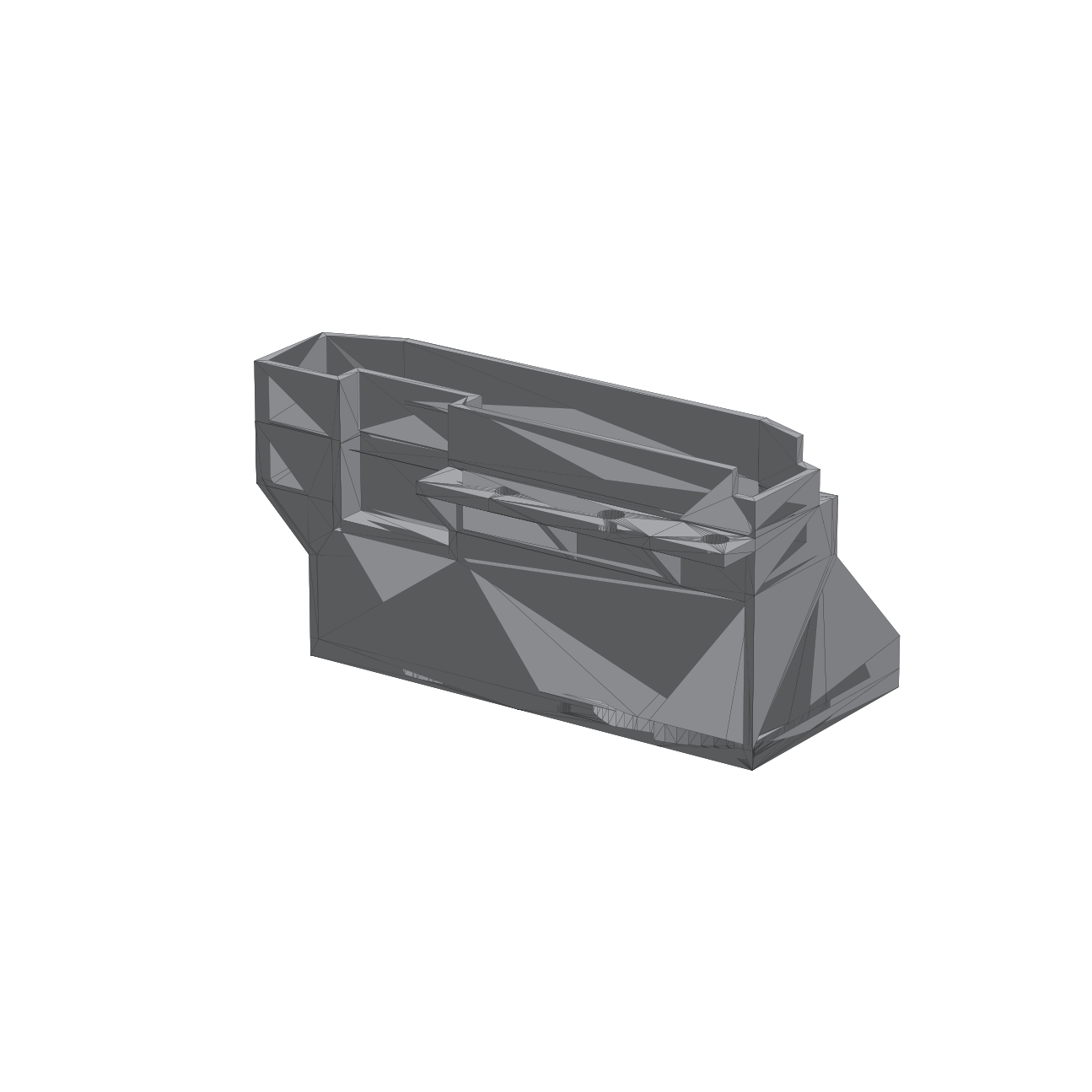
Rear angle showing the fan mounting holes and the split-duct internal geometry.
The fans themselves are a simple, cheap choice that turned out to be exactly right for this: WINSINN 40mm 5V hydraulic-bearing fans (4020 size, 40x40x20mm). Rated at 7000 RPM, 7.96 CFM, and 0.22 in H₂O static pressure at only 27dBA — enough static pressure to actually push air through the shroud’s tighter VRM duct without needing the loud, high-static-pressure server fans these cards were originally designed around.
The other half: taming it with IPMI
Getting airflow right solved the thermal problem, but created a new one: at the fan speeds needed to keep two Teslas happy under load, the server sounded like a jet engine spinning up. The motherboard’s default fan curve is tuned conservatively for generic PCIe cards, not two cards that can each pull real power under sustained inference load — so it was running the fans far louder than actually necessary most of the time.
The fix was tuning custom fan zones through IPMI rather than trusting the board’s default curve. I split the chassis fans into a zone tied specifically to the GPU shroud intake and mapped their duty cycle directly to the P100/P40 temperature sensors instead of the generic system temp the board defaults to.
Thermal and noise results
| Condition | P100 Temp (Before → After) | P40 Temp (Before → After) | Fan Noise (Before → After) |
|---|---|---|---|
| Idle | 58°C → 49°C | 51°C → 39°C | Loud constant hum → Near-silent |
| Sustained inference load | 91°C (throttling) → 74°C | 86°C (near throttle) → 68°C | Jet-engine → Noticeable but tolerable |
| VRM / backplate hotspot | Undiagnosed throttling → Resolved | Undiagnosed throttling → Resolved | — |
No more thermal throttling under sustained load on either card, and the server is actually tolerable to have running in the same room now.
Now that it’s stable: real inference performance
With the hardware side finally solid, I put real hours into benchmarking what this hardware can actually do for local LLM work — running a real local model stack (Ollama, with a smart router picking the best model per task) across everything from quick chat responses to multi-hour sustained testing. Here’s what came out of it, measured directly on this server:
| Model | Size | Avg response time | Median response time | Tokens/sec |
|---|---|---|---|---|
| llama3.2:latest | 2.0 GB | 16.8s | 11.4s | 44.5 |
| qwen3:14b | 9.3 GB | 129.6s | 129.7s | 24.2 |
| mistral-small3.2:24b | 15.2 GB | 91.9s | 53.9s | 15.5 |
That’s from 561 real requests spread over roughly 14 hours of testing — not a quick synthetic benchmark. The pattern is intuitive once you see it: the smaller model is dramatically faster for quick lookups and chat, while the larger models trade speed for noticeably more thorough, structured output on harder tasks.
Power draw and real electricity cost
Since the whole point of local AI is supposedly “free” inference, I actually measured what it costs at my real electricity rate (~$0.13/kWh):
| State | Combined GPU power draw | Approx. cost |
|---|---|---|
| Idle | ~46W (P100: 34W, P40: 12W) | ~$0.004/hr — about $3.30/month if left running 24/7 idle |
| Under active inference load | Up to ~400W combined | ~$0.05/hr — only accrues during actual generation |
In practice, the idle draw is what dominates the monthly bill unless you’re running the thing constantly — which is exactly why getting the fan curve and thermals right mattered enough to write two blog posts about it.
What’s next
With the hardware finally stable and genuinely benchmarked, the more interesting story lately has actually been on the software side — I’ve been migrating my day-to-day AI workflow off cloud services and onto this box full-time, including some real production use for game development. If you want to see what that’s actually being used for, check out the latest update on Guardians of Dafeng — the local AI stack this hardware makes possible is now a real part of that project’s pipeline.